
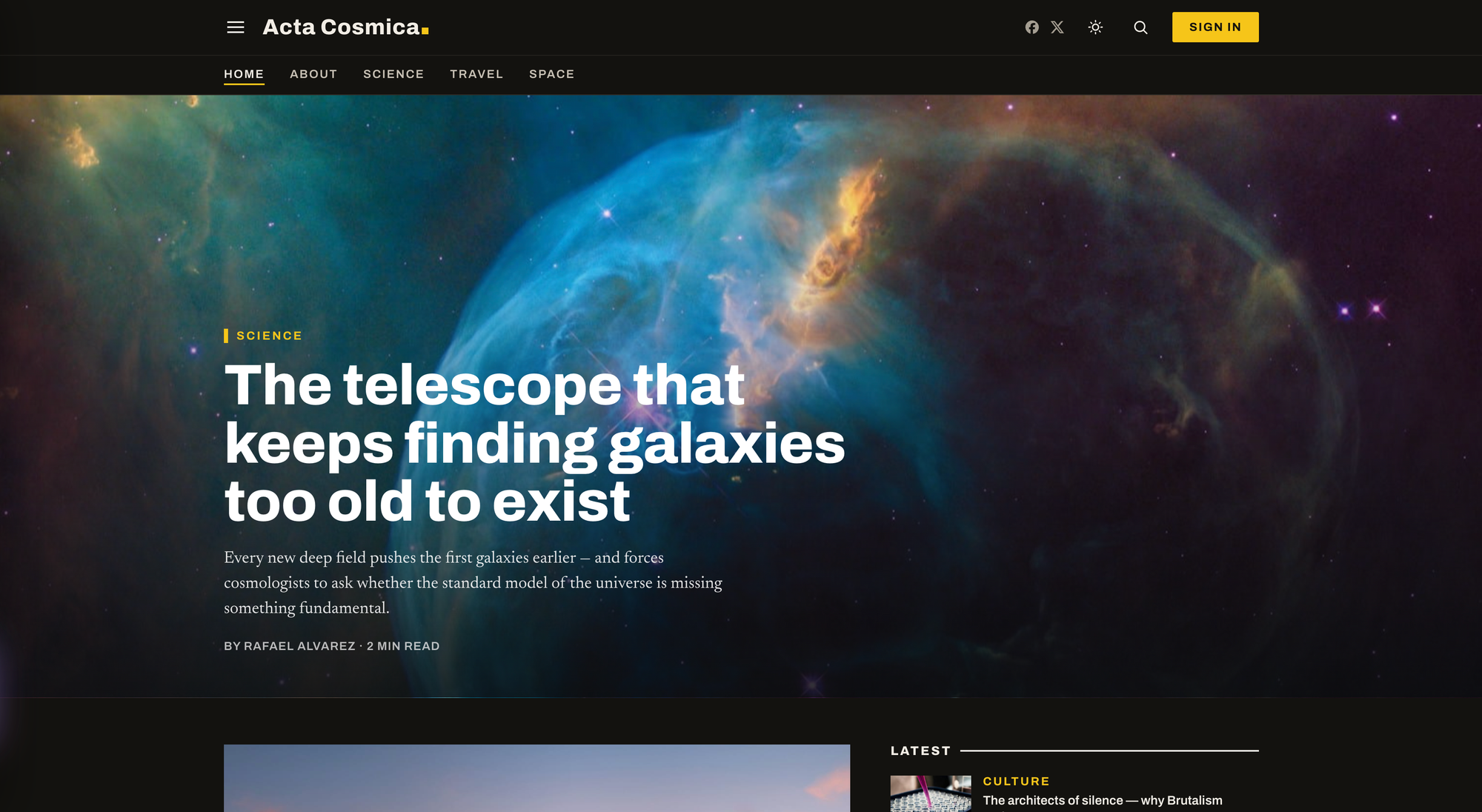
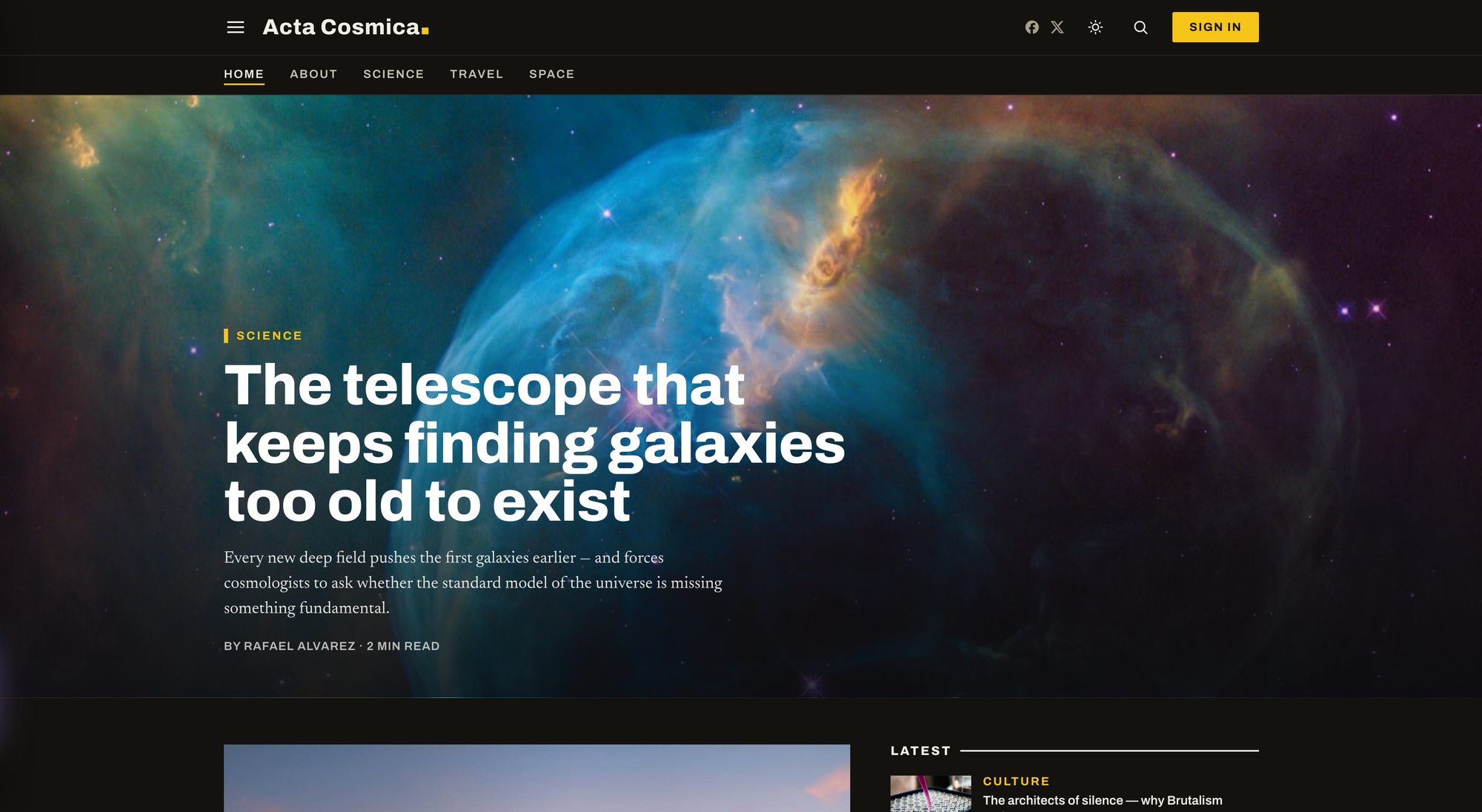
You're using the latest version of the theme on this site right now. Get your own copy via the link below.
Acta Cosmica 2.0 release notes
The current release is 2.0.5. It needs Ghost 6.37 or newer. If you already run Acta Cosmica 1.x, read Upgrading from 1.x at the end first: a few settings moved, and they take about ten minutes to set up again.
A better reading experience
- Dark mode. The whole site has a dark version. By default it follows each reader's device, and a sun/moon switch in the header lets them flip it. You can also lock the site to Light or Dark under Design settings.
- Reading settings. An "Aa" button on every article lets readers choose text size (Small, Default, Large) and appearance. Choices are remembered, apply before the page appears (no flash of white), and sync across open tabs.
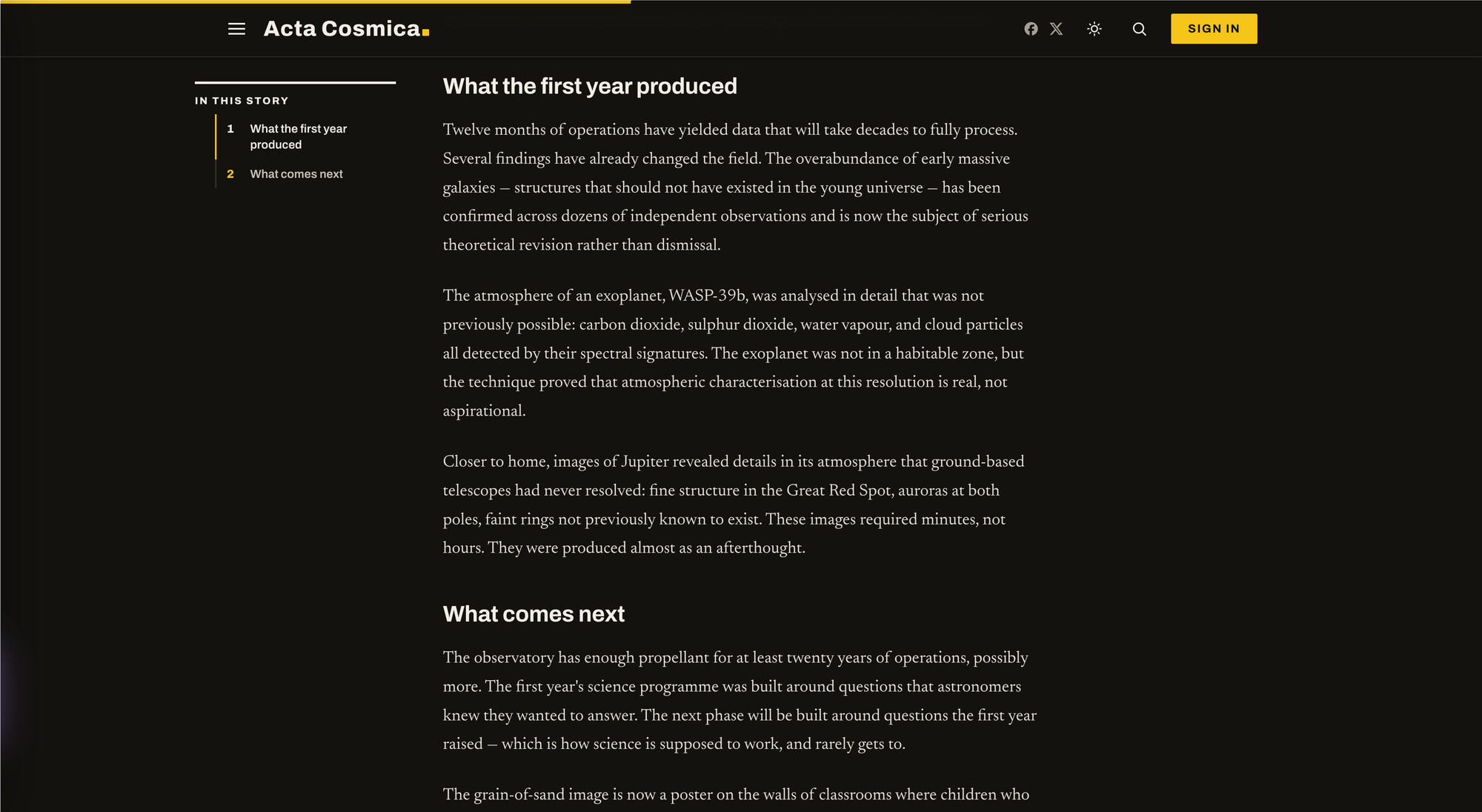
- Automatic contents list. Any post with two or more H2/H3 subheads gets an "In this story" list, with nothing to switch on. On wide screens it sits beside the article and stays in view as you scroll, highlighting the section you're reading. Tag a post
#no-tocto leave it out. - Print-ready articles. A Print button gives a newspaper-style printout: a cover with headline, byline and photo, serif body text, running headers and page numbers, and a closing line with the article's link. Videos and embeds become a short "view it online" note.
New ways to tell a story
Add an internal tag to a post (in Post settings → Tags) to change how it opens:
Tag | What it does |
|---|---|
| Moves the first YouTube, Vimeo or uploaded video into the top of the story, with the feature image as its cover. Story cards get a play badge. |
| A magazine-style opening: headline beside a square photo. |
| The feature image plus the post's first gallery become a swipeable slideshow. |
| Turns off the large first letter on a post. (Pages can opt in with |
- Videos keep playing as you browse. Press play on a
#videostory and keep reading. Scroll away and the video docks in a corner mini-player. Click to another page and it keeps playing without restarting. You can turn this off or move it to the left corner in Design settings. - Stories without a photo look designed. Instead of an empty block, they show a bold rule and the story's summary, so they line up neatly with pictured stories.
- Writer profiles everywhere. Each writer's photo, bio and role (from their own Ghost profile) appear in the byline, the author card, their writer page and the Writers directory. Writers without a photo get a monogram of their initials, and their social accounts show on their page.
A front page you can lay out
Homepage rows are now Ghost pages rather than theme settings, so you can have as many as you like. Create a page, give it a section tag first (such as Design), then a layout tag. The most recently published page sits highest, and switching a page to Draft removes its row.
Layout tag | Looks like |
|---|---|
| Four stories across |
| A big photo story with the headline on the image, a second story and a numbered list |
| A big photo story plus four equal stories beside it |
| Up to nine compact headlines with thumbnails |
| A longer briefing you swipe through |
| A lead story, two below it and a column of headlines |
| Columnist cards with author photos |
| Side-by-side columns, one per section |
| A swipeable row of three or four cards |
- Editor's Picks. Posts you mark as Featured beyond the first three now appear in a carousel, two large stories at a time.
- Homepage video. The video feature is now a page tagged
#home-video: its title is the caption, its feature image the cover, and the YouTube link in its body the video. Click-to-play now works properly. - Your own newsletter copy. Publish a page with the URL
newsletter-bandto set the newsletter sign-up's headline, description and label.
Navigation and footer
- Dropdown menus. In Settings → Navigation, start a label with a dash (
-AstronomyunderScience) to nest it. It becomes a dropdown in the header and an indented link in the slide-out menu. - A "More" menu. Header links that don't fit on one line tuck into a More menu automatically.
- A footer you control. Sections lists the sections featured on your homepage. About comes from Ghost's Secondary navigation, so you choose exactly what appears. Follow lists your social accounts.
- Legal links. Tag your policy pages
#footer-legal-linkto list them along the bottom of the footer. - Social links from Ghost. Social icons now use Ghost's own Social accounts settings, and support X, Facebook, LinkedIn, Bluesky, Threads, Mastodon, TikTok, YouTube and Instagram.
Membership and advertising
Each of these stays off until you switch it on, usually by publishing a page with a specific URL.
- Membership band (
membership-cta). A sign-up band above the footer that adapts to who's reading. Visitors see your plan with checkout, or a free sign-up. Free members see an upgrade offer. Paying members never see it. - End-of-article prompts (
newsletter-ctaormember-cta). A newsletter or membership invitation at the end of stories, shown only to logged-out readers. - A better membership page. It is built from your Ghost tiers and adds a Monthly/Yearly switch with the yearly saving, free-trial wording, a Free plan card and a "Most popular" badge.
- Ad slots. Turn on Enable ads, then fill any of six spots by publishing a page with its URL:
ad-header,ad-home-top,ad-feed,ad-in-article,ad-post-footerandad-mobile-anchor. Pages tagged#home-adadd ads between homepage sections. Use an image banner (add a second image for phones) or AdSense code. Banner links are marked as sponsored. - Who sees ads. Paying members never do. Set Hide ads from to All signed-in members to also spare free subscribers. That suits sites that only offer a free tier.
- Privacy. An optional consent setting blocks advertising cookies for visitors in the EU, UK and Switzerland until a consent tool allows them.
Upgrading from 1.x
Several theme settings moved to Ghost's own features. Before you upload 2.0, download your current theme as a backup (Settings → Design & branding → Change theme). After activating 2.0, set these up once:
Old theme setting | Where it lives now |
|---|---|
Spotlight category 1 and 2 | A page per homepage row, tagged with the section first, then |
Featured video (ID, title, thumbnail) | A page tagged |
Bluesky, Mastodon, Instagram, YouTube | Settings → General → Social accounts |
Content API key | Nothing to do; search and saved stories find it automatically |
Your accent color, homepage background video, footer description and credit carry over unchanged.
Discussion